Tech Guides · 29 Oct 2026 · 4 min read
Refurbished Apple Device Charging Guide UK: USB-C vs Lightning
Shopping for a refurbished Apple device can leave you with several cable types in the same household. Modern iPhones, older iPads, MacBooks, Apple Pencils and accessories do not all share one connector or charging method. The safest buying approach is to identify the exact device before choosing a charging cable...

Shopping for a refurbished Apple device can leave you with several cable types in the same household. Modern iPhones, older iPads, MacBooks, Apple Pencils and accessories do not all share one connector or charging method. The safest buying approach is to identify the exact device before choosing a charging cable or power adapter.
Identify the charging port on the precise model
A familiar product name does not always identify the connector. Some iPhones use Lightning while newer generations use USB-C. iPads have changed connector types across generations, and MacBooks may use USB-C, MagSafe or other historical arrangements. Inspect the exact specification and included accessories in the listing. Apple's official tech-specification pages provide a useful model-specific reference.
One cable does not guarantee the same capabilities
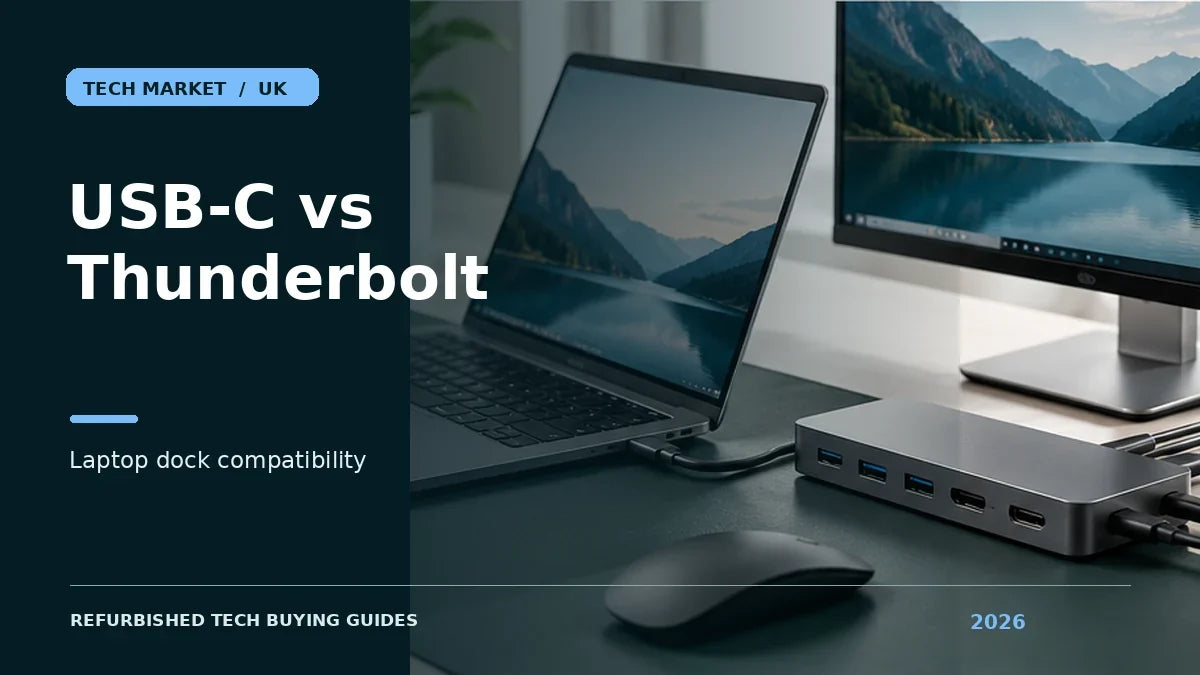
USB-C is a physical connection shape. Different cables can have different supported charging power, data performance and accessory functions. A cable that charges an iPhone may not be the ideal way to connect a high-resolution display to a MacBook. For laptops, confirm power-delivery ratings and any video or Thunderbolt requirements. For handheld devices, compare the charging specifications rather than buying on connector appearance alone.
Apple Pencil has separate pairing rules
A USB-C socket on an iPad does not mean every Apple Pencil works with it. Some Pencil models attach magnetically, while others require a cable or adapter to pair and charge. Check Apple's current compatibility list using the exact iPad generation and Pencil model. If a refurbished listing does not include the required adapter or cable, add that cost to the total price before deciding.
Use appropriate chargers and power supplies
Check the device's manufacturer guidance for recommended charging power and connector type. A power adapter sold separately from the device is not necessarily included with a refurbished item. If a laptop uses a higher-power charger than a phone, do not assume the phone's existing adapter is an adequate replacement. Avoid damaged cables, loose connectors and unverified unsafe accessories.
Travel and home-charging checklist
List the devices to be charged, which cables they need and how many power outlets will be available. For travel, confirm the correct UK or destination plug arrangements and whether you need separate USB-C and Lightning cables. Keep cables labelled where several similar-looking devices are used by different family members. After receiving a refurbished device, test its charging connection promptly, using suitable known-working accessories.
Build a charging inventory at home
List the devices you intend to charge, their exact model identifiers and the connector or wireless standard each uses. Record which cables and adapters you already own. This prevents the common mistake of ordering a charger based on the appearance of the plug alone. It can also make travel simpler when a household still uses both Lightning and USB-C devices.
Power delivery matters especially on MacBooks
A MacBook can need substantially more power during heavy workloads than a smartphone. Check the machine's recommended power supply and whether its USB-C port supports the charging arrangement you intend to use. Some MacBook models use MagSafe and may support alternative USB-C charging, while older generations have different connectors. A cable that physically fits does not establish whether it is suitable for fast, sustained laptop charging.
Check charging and data separately
A person who only needs to charge an iPhone may not require an expensive high-bandwidth cable. Someone connecting a MacBook to external storage or a monitor should compare the relevant data and display standards as well. When a cable is described only as USB-C, look for verified specifications; otherwise it is easy to overestimate its capabilities.
Plan Apple Pencil charging in advance
Different Pencil generations have different pairing and charging arrangements. A Pencil may charge magnetically on a supported iPad, via a USB-C cable, or through a connector and adapter depending on model. Check the exact iPad and Pencil pairing instructions on Apple's support pages. When buying a used Pencil, confirm what charging items are supplied and whether you need additional parts.
Avoid assumptions about bundled power adapters
Tech Market may offer devices with charging cables or adapters depending on the individual product; verify the product description's 'What's in the Box' section. A charging port appearing in a photograph tells you little about the included power supply. Also check for visible connector damage and stop using accessories that show excessive heat, frayed insulation or loose electrical contacts.
Frequently asked questions
Do all USB-C cables provide the same speed?
No. Check supported charging and data features.
Can I use my iPhone charger with a MacBook?
Only if the relevant power and charging requirements are met; a low-power adapter may be unsuitable.
Does an iPad with USB-C support Apple Pencil Pro?
Not necessarily. Compatibility depends on the precise iPad generation.
Compare options at Tech Market
Compare model generations, exact specifications and current stock. Tech Market offers a 12-month warranty on devices and free UK delivery. Confirm warranty and delivery terms for each listing before ordering.
Browse accessories · Apple Pencil range · Which refurbished iPhones have USB-C?
Smart Tech. Better Prices.Ready to upgrade for less?Clearly graded refurbished tech with a minimum 12-month warranty, free delivery and free 30-day returns.Shop best sellers
Keep reading
All Tech Guides